Hi Developers,
This is the second article in the three part series for integrating ServiceNow with Google Calendar to schedule a meeting through Virtual Agent.
You need to follow the steps mentioned in the first article to continue with this post.


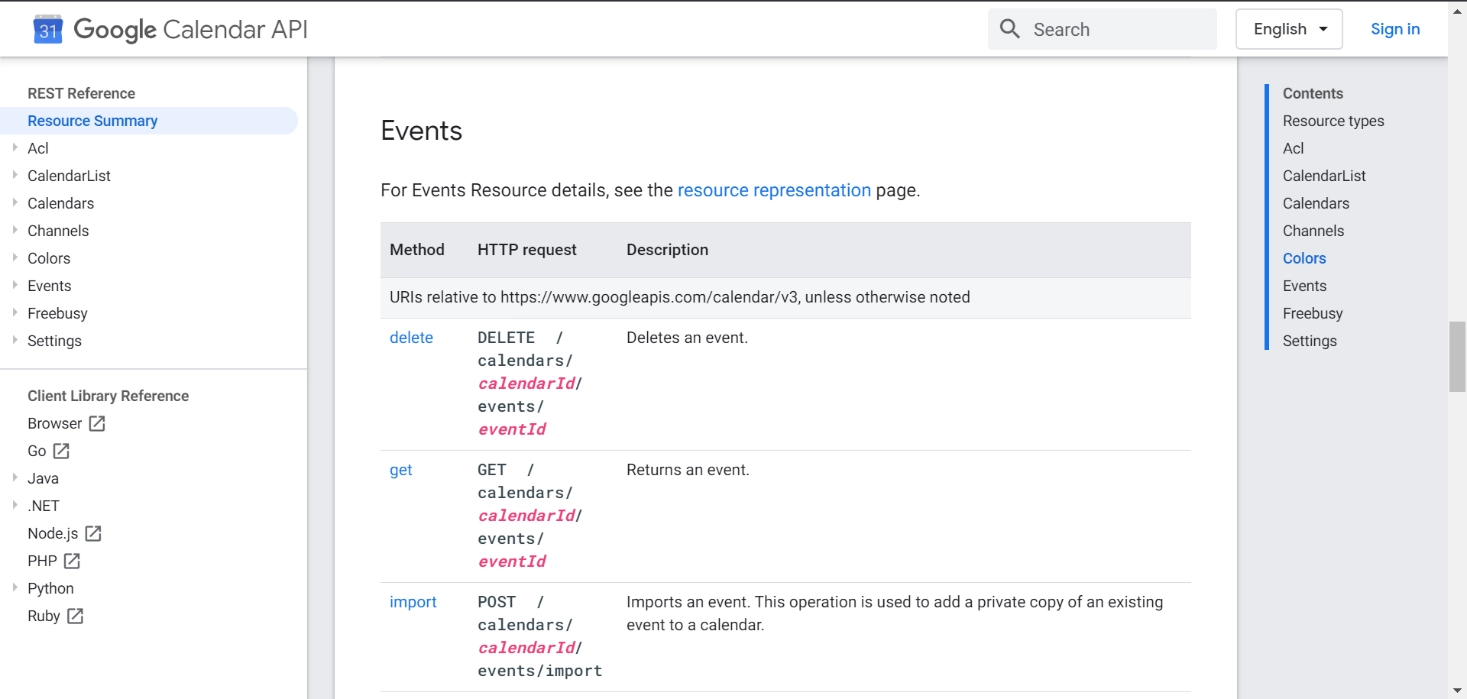
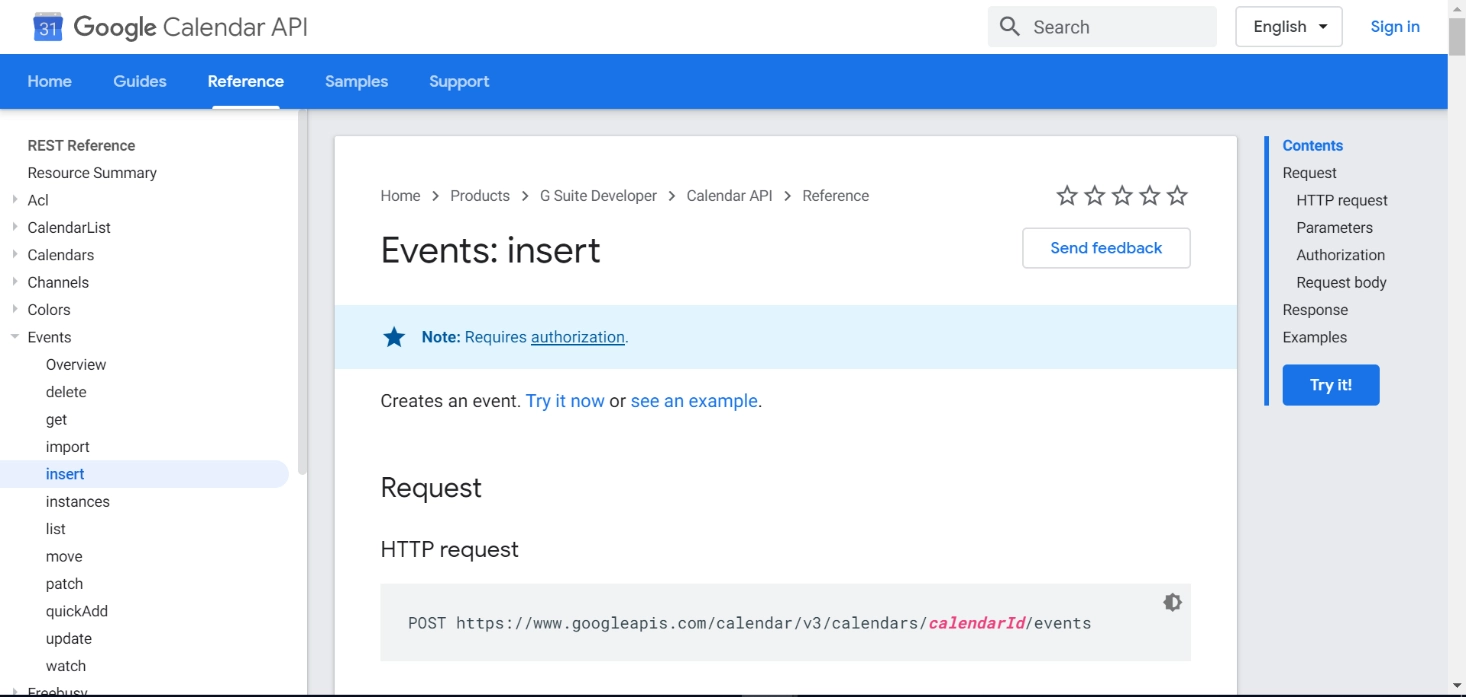
This information is available on Google Calendar API reference


When a new OAuth provider is created, the system automatically generates a default profile for it without any scope


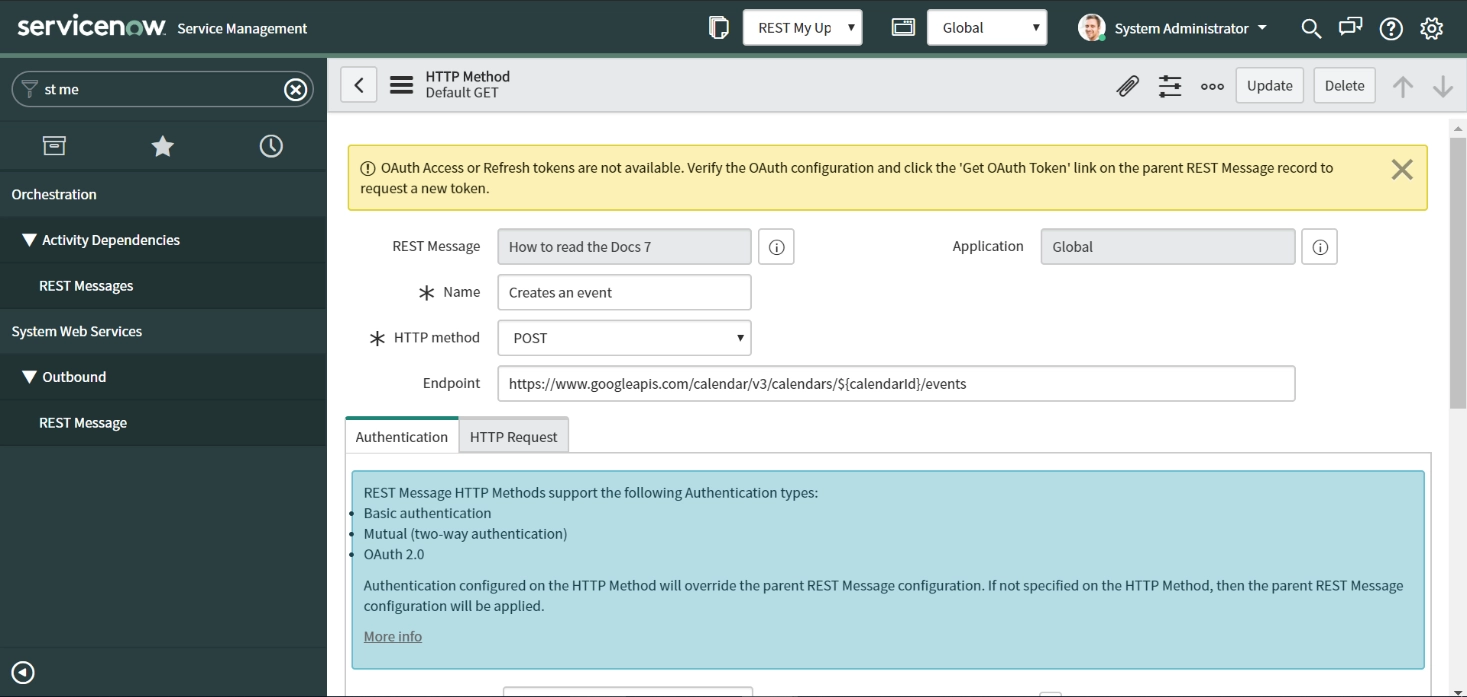
Name: Create an Event
HTTP Method: POST
Endpoint: https://www.googleapis.com/calendar/v3/calendars/$/events
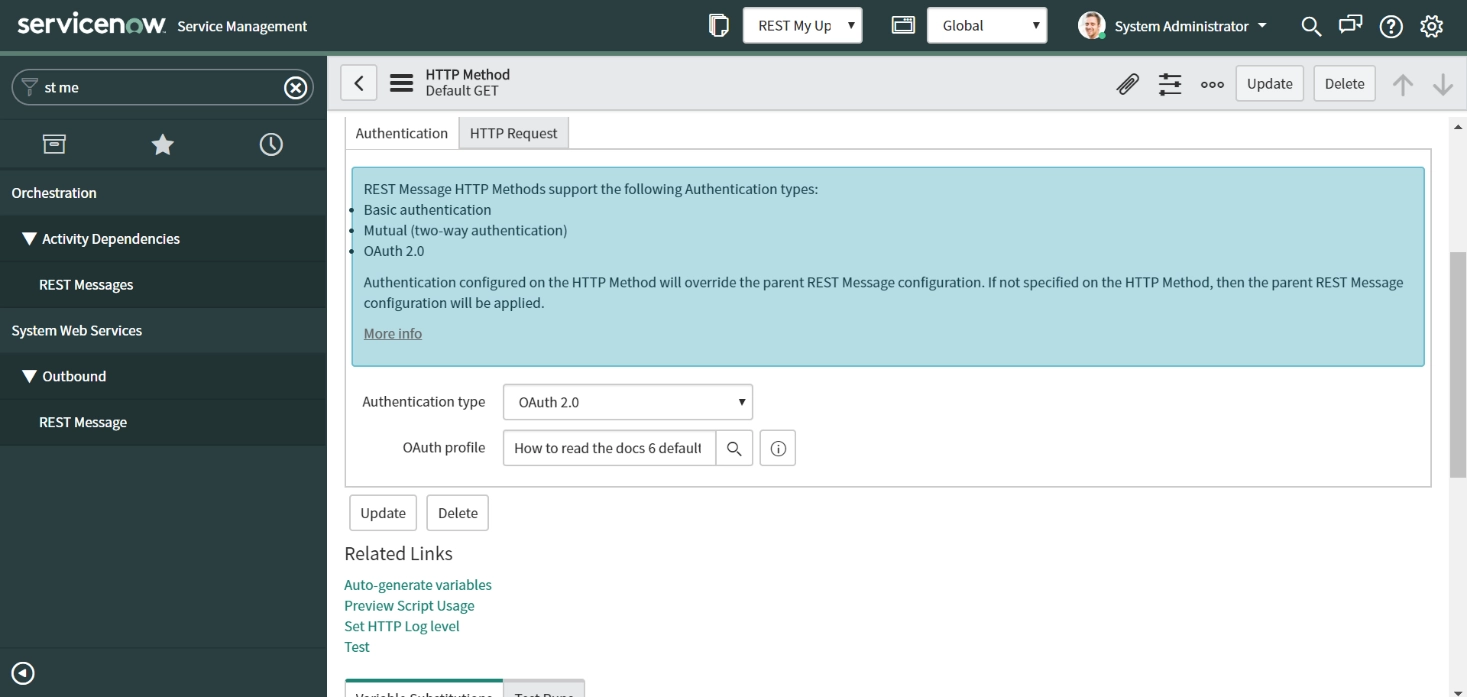
Authentication type : OAuth 2.0
OAuth profile : Same as Parent (REST Message)
Content-Type : application/json

Put the below script in the 'Content' field' and click 'Update'

All this information will be available at in this article.
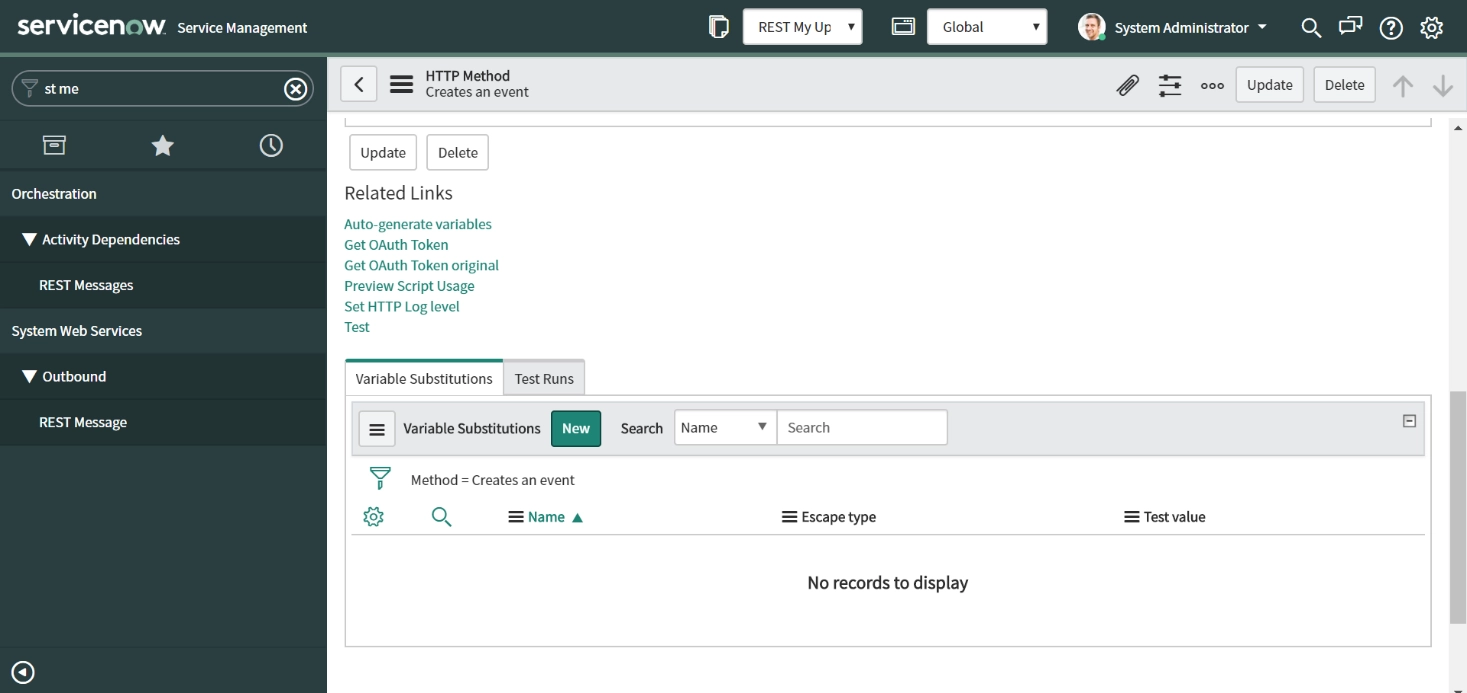
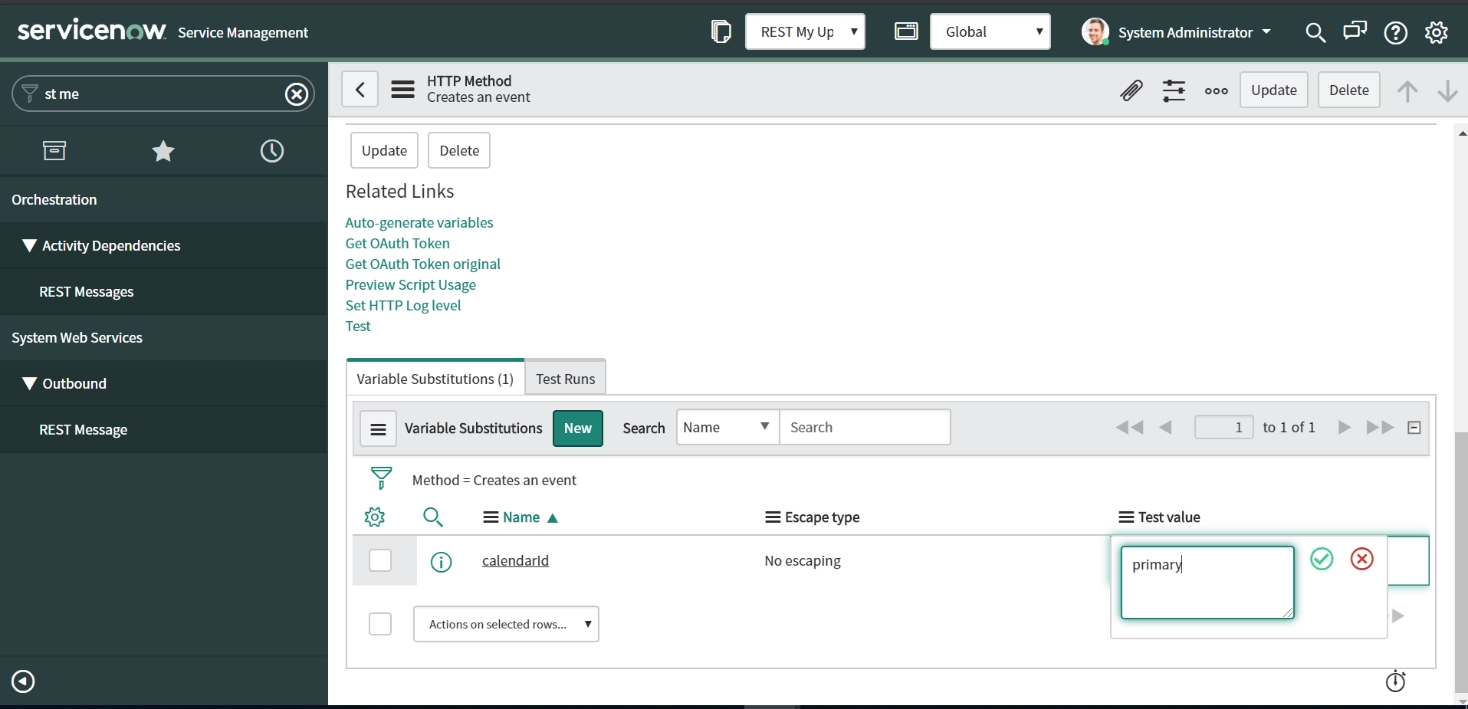


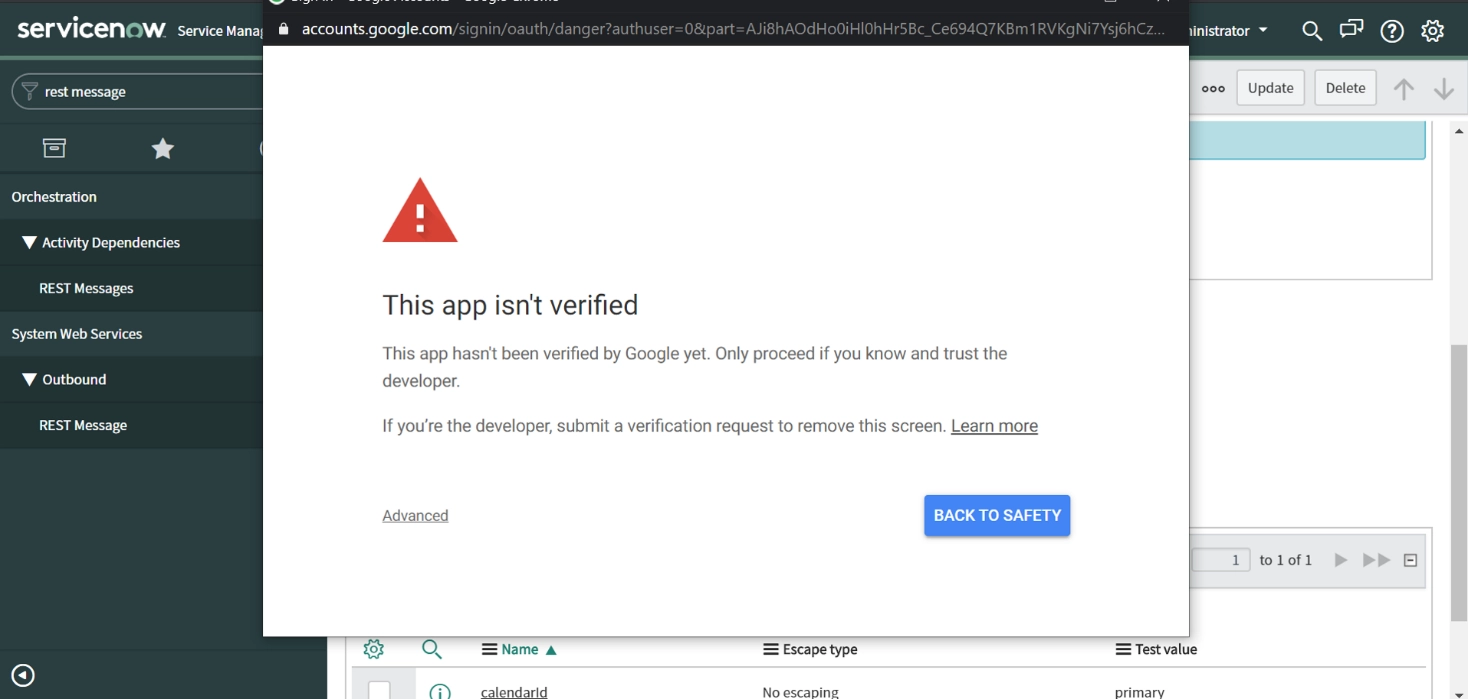
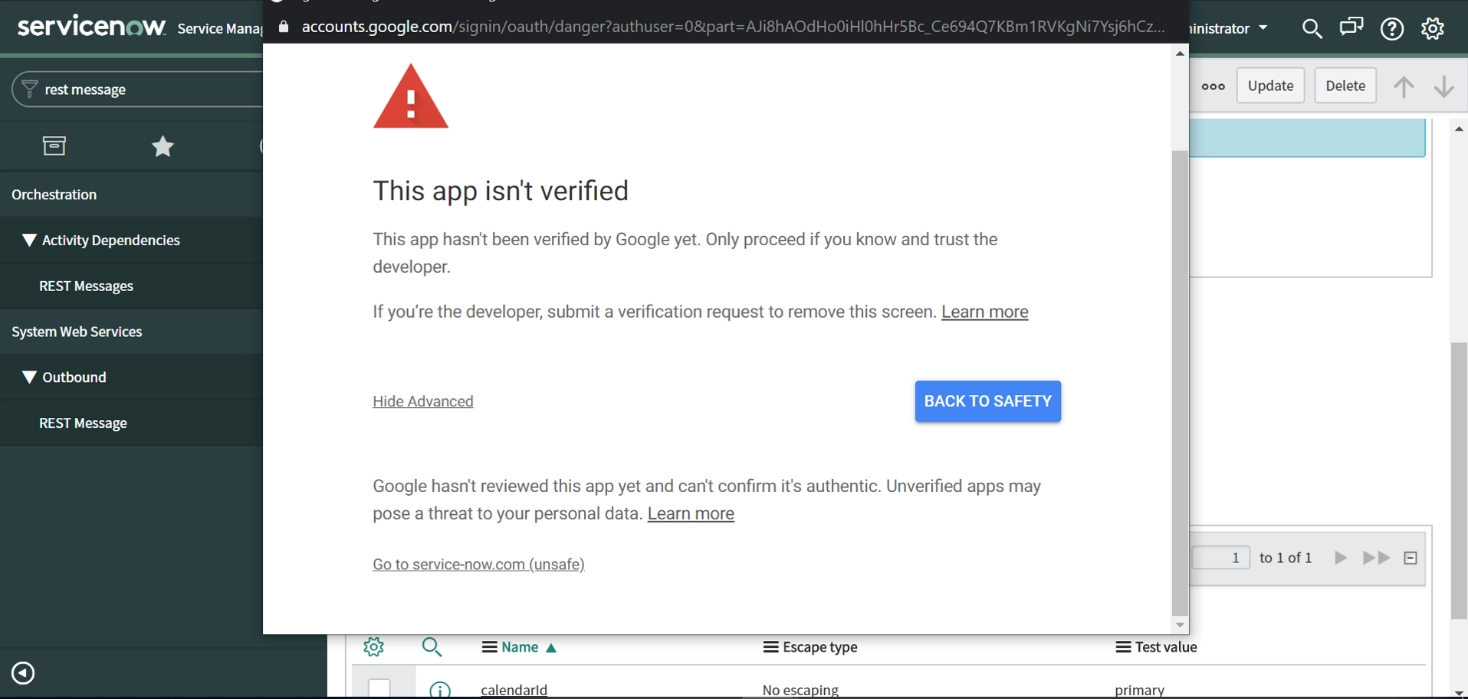
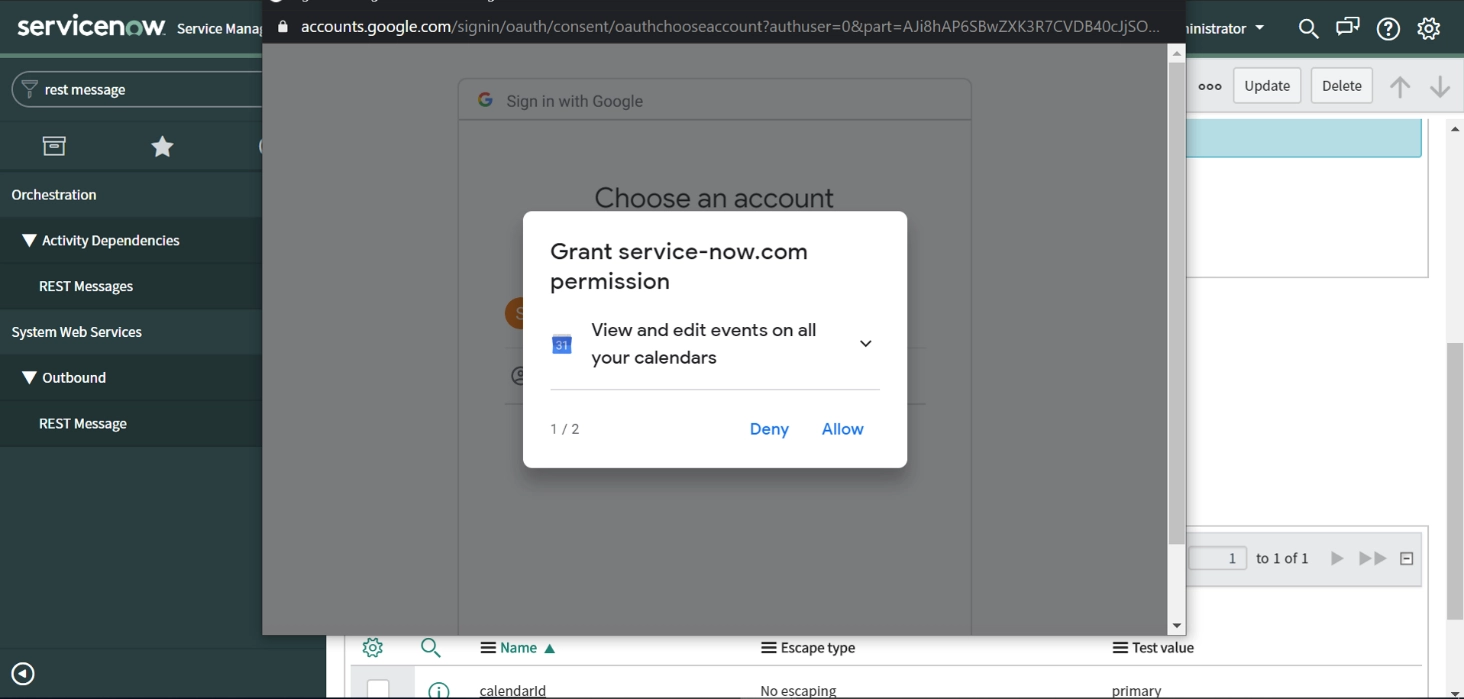


Congratulations, So far we have built a rest message to schedule a meeting. In the next part we will integrate it with Virtual Agent.
Thank you,